MacBook Won't Charge? Here's How to Diagnose & Fix It
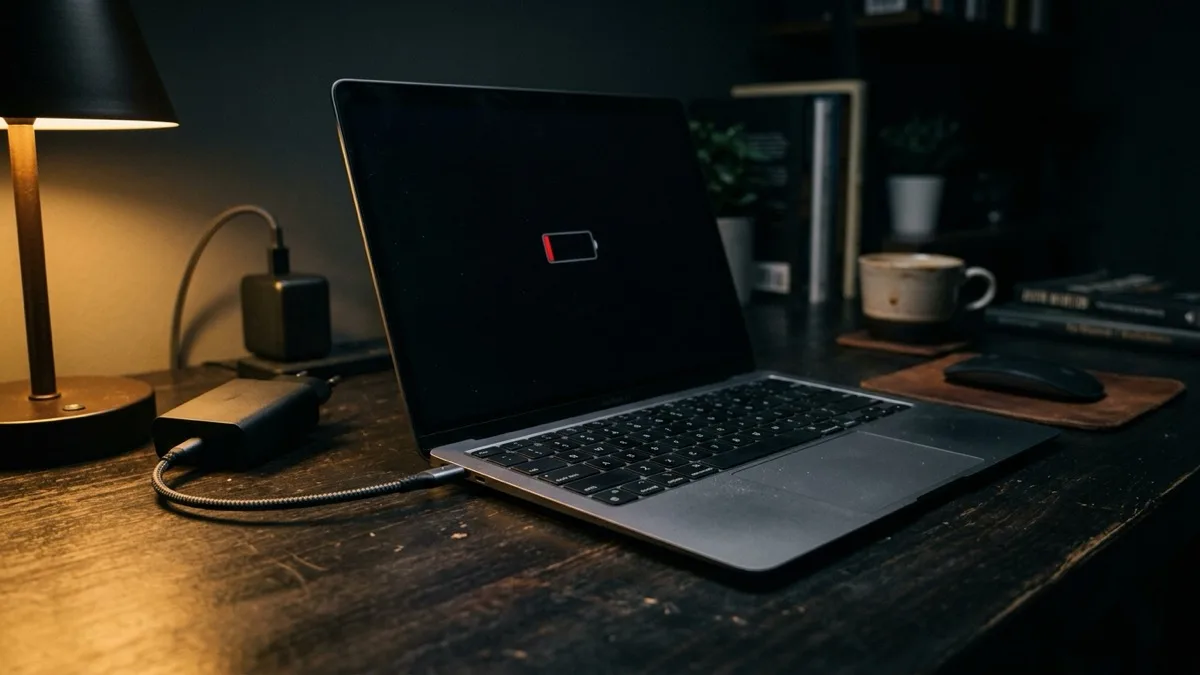
Quick answer: A MacBook that won't charge is most often a cable, brick, outlet, or dirty USB-C port issue, so start there. The "Not Charging" message is frequently deliberate, Optimized Battery Charging pauses at 80%, or a low-wattage charger only sustains the battery. Many remaining cases are software or battery-management settings we can fix remotely at RemoteFix 24/7. A truly dead charger, a damaged port, or a swollen battery is hardware and needs a local shop.
What this guide covers
First checks: outlet, cable, and port
Before assuming the worst, rule out the cheap, common causes. Most "my MacBook won't charge" calls turn out to be something simple in the chain between the wall and the laptop.
- Try a different outlet. Wall sockets fail, and power strips trip. Plug straight into a known-good wall outlet, not a surge bar or extension lead.
- Inspect the cable end to end. Look for frayed insulation, bent pins, or a cracked connector. USB-C cables flex near the plug and break there first.
- Check the charger brick. If it's warm, buzzing, or scorched, stop using it. Try a different known-good Apple charger if you have one.
- Clean the port. USB-C ports are magnets for lint and pocket debris. With the Mac off, shine a light inside, if you see fluff, gently lift it out with a wooden or plastic toothpick. Never use metal.
One more thing that trips people up: use a cable rated for power. Thin "charge and sync" cables, or a cheap third-party USB-C lead, may carry data but not enough wattage to charge a MacBook under load. Pair a genuine Apple (or properly rated) charger with a cable rated for the wattage your Mac expects.
What macOS is actually telling you
Here's the part that fools even experienced users: the words on screen don't always mean something is broken. Click the battery icon in the menu bar and read the exact status.
- "Not Charging" often means macOS is choosing not to charge right now. With Optimized Battery Charging on, your Mac learns your routine and pauses around 80% to protect long-term battery life, then tops up before you usually unplug. This is normal and healthy.
- "Not Charging" can also mean underpowered. Plug a 16-inch MacBook Pro into a 30W phone charger or a bus-powered hub, and it may only sustain the battery, or even drain slowly under heavy load, rather than charge. Check the wattage printed on your brick.
- "Charging on Hold" usually means the battery is too warm. Let it cool out of direct sun and off soft surfaces like beds that block airflow.
If the menu reads "Charging" but the percentage barely moves, that's expected on a big battery with a small charger. The fix is more watts, not a repair.
Check your battery health
Your Mac keeps an honest record of how the battery is holding up. Go to System Settings → Battery → Battery Health (click the small "i" or info button).
- "Normal" means the battery is fine, look elsewhere for your charging problem.
- "Service Recommended" means the battery has degraded enough that Apple suggests replacement. It may still charge, but capacity and reliability are dropping.
You can also see Maximum Capacity and Cycle Count here. A battery past roughly 1000 cycles, or down near 80% capacity, is near the end of its useful life. None of that is a software bug, but knowing it tells you whether to chase settings or plan a battery replacement. If you also notice the charge vanishing far too quickly, our guide on a MacBook battery draining fast digs into the apps and settings behind it.
Software fixes you can try yourself
If the hardware chain checks out and the battery health is fine, the culprit is often software or power management. Work through these in order.
- Restart. A clean reboot clears stuck power states more often than people expect. Shut down fully, wait, then power back on.
- Update macOS. Charging and battery-management bugs are routinely fixed in point updates. Go to System Settings → General → Software Update.
- Reset the SMC, on Intel Macs only. The System Management Controller governs power and charging. On Intel laptops with a T2 chip, shut down, then hold Control + Option (left) + Shift (right) for 7 seconds, add the power button for another 7, release all, and start up. Apple Silicon Macs (M1, M2, M3, M4) have no SMC, the equivalent fix is simply a full shutdown for 30 seconds, then a normal restart.
- Review Energy settings. In System Settings → Battery, check that nothing aggressive is throttling power, and toggle Optimized Battery Charging off temporarily to confirm whether that 80% pause was the "problem" all along.
If the hardware checks out, it's often a settings, SMC, or battery-management issue we can sort remotely; flat $149.99 USD; No Fix No Fee.
Book a remote Mac fix — $149.99Symptom, cause, and fix at a glance
Use this table to narrow down what you're seeing, and to tell quickly whether it's something we can handle remotely or a job for a local shop.
| Symptom | Likely cause | Fix & who handles it |
|---|---|---|
| "Not Charging" near 80% | Optimized Battery Charging pausing | Normal, or toggle the setting (remote-fixable) |
| "Not Charging" under load | Underpowered charger or hub | Use a higher-wattage Apple brick (self-fix) |
| No charge symbol at all | Bad cable, brick, or outlet | Swap each part; replace the dead one (self-fix) |
| Works only at one angle | Failing cable or worn port | New cable, or port repair at a shop |
| Charges slowly, drains under use | Aged battery or heavy apps | Settings tune (remote) or battery swap (shop) |
| Case bulging, trackpad lifting | Swollen battery | Stop using, local shop immediately |
| No power after spill | Liquid or logic-board fault | Local shop, do not charge it |
When it's hardware, and needs a local shop
We're honest about our limits: remote support can't replace a physical part. If you hit any of these, a nearby repair shop is the right call, and for some of them, the only safe one.
- A dead charger. Test it on another device, if that device won't charge either, the brick or cable is gone. Replace it.
- A damaged port. If the connector is loose, scorched, or only charges at one angle after cleaning, the USB-C port likely needs board-level repair.
- A swollen or failed battery. If the bottom case bulges, the trackpad lifts, or you smell anything odd, stop using the Mac immediately, a swelling lithium battery is a safety hazard. Power it down and take it in.
- Liquid damage. After a spill, do not plug it in or charge it. Corrosion spreads, and powering it can short the board. It needs hands-on cleaning.
- A logic-board power fault. If a known-good charger, clean port, and fresh macOS still won't charge, the charging circuitry on the board may have failed.
Not sure if your Mac is even powering on versus simply not charging? Our companion guide on a laptop that won't turn on helps you tell the two apart before you spend on a repair.
If your charger checks out and it's still not charging, we can connect remotely, inspect your power settings, battery management, and macOS, and tell you honestly whether it's a fix we can finish today or a part you'll need to replace, flat $149.99 USD, No Fix No Fee. Book a remote Mac fix any time, worldwide.
Frequently asked questions
Why does my MacBook say "Not Charging" when it's plugged in?
Most often it's intentional. Optimized Battery Charging pauses around 80% to extend battery lifespan, then finishes before you normally unplug. It can also mean your charger is too low-wattage to charge under load and is only sustaining the battery. Check the brick's wattage and the battery menu before assuming a fault.
Do I need to reset the SMC on my MacBook?
Only on Intel Macs, where the System Management Controller handles charging and power. Apple Silicon Macs (M1 through M4) have no SMC, so the equivalent is a full shutdown for about 30 seconds followed by a normal restart. On either type, a clean restart resolves many stuck charging states without any special steps.
How do I know if my MacBook battery needs replacing?
Open System Settings, then Battery, then Battery Health. Service Recommended means the battery has degraded and Apple suggests replacement. Also check Maximum Capacity and Cycle Count, near 80% capacity or past about 1000 cycles signals end of life. A battery replacement is a hardware job for a local shop, not a remote fix.
My MacBook charges slowly or only at one angle. What's wrong?
Slow charging on a large battery usually means an underpowered charger, use a higher-wattage Apple brick. Charging only at a certain angle points to a failing cable or a worn USB-C port. Try a known-good cable first, if the angle problem remains, the port likely needs hands-on repair at a local shop.
Is a remote service able to fix a MacBook that won't charge?
It depends on the cause. If it's a settings, battery-management, SMC, or macOS issue, we can fix it remotely for a flat $149.99 USD with No Fix No Fee. If it's a dead charger, damaged port, swollen battery, or liquid damage, that's physical hardware and needs a local shop, we'll tell you honestly which one it is.