How Power Cuts and Bad Grids Actually Damage a Laptop
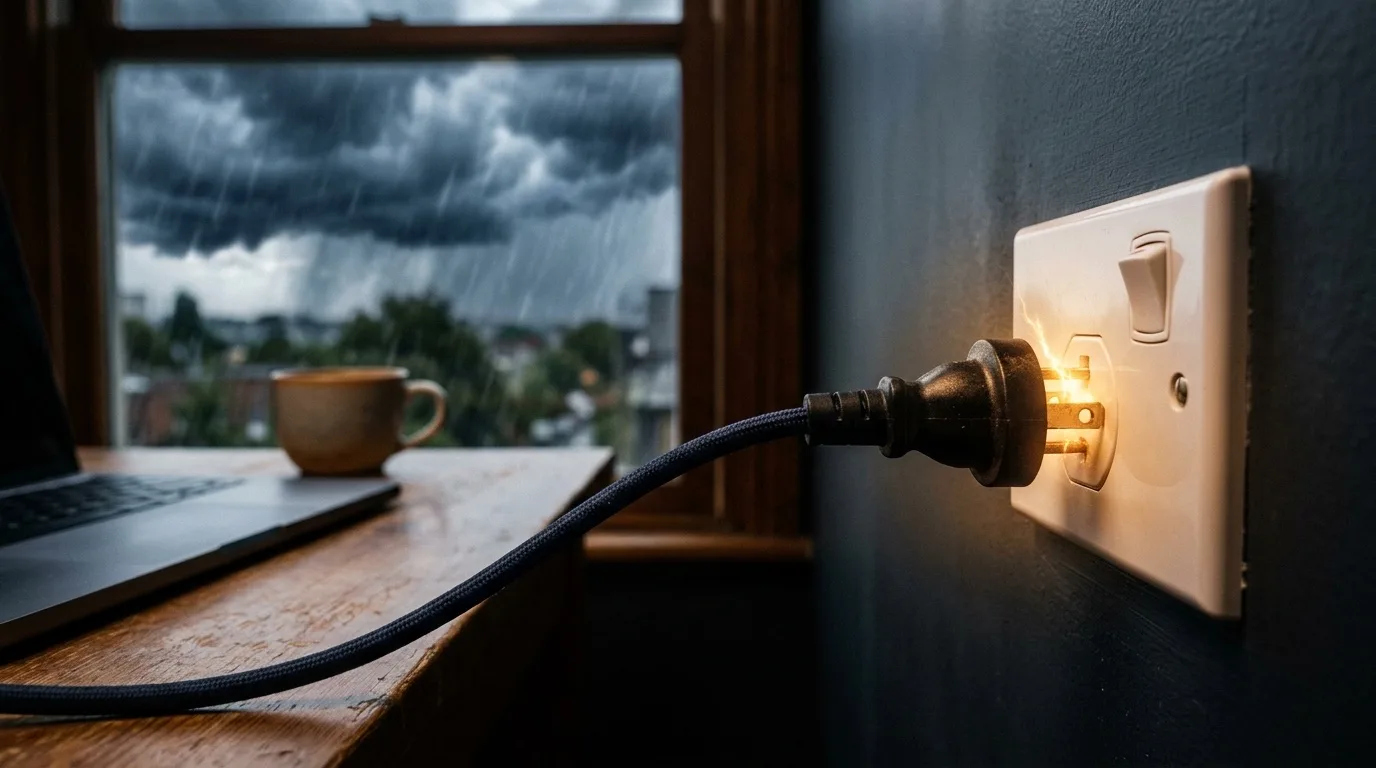
The short version: Unstable power in monsoon-season Southeast Asia, load-shedding regions of Africa, hurricane-season Caribbean, and cyclone-season Pacific damages laptops in two very different ways — a voltage surge can fry the charging circuit or motherboard (a hardware failure, not fixable remotely), while a sudden power-off during disk writes can corrupt the boot sector or file system (often fixable remotely). Telling the two apart in the first few minutes saves you from paying for the wrong kind of repair. RemoteFix 24/7 fixes the software-side corruption; a fried charging board needs a local shop.
What this guide covers
- What's the difference between surge damage and shutdown corruption?
- How can you tell which one happened to your laptop?
- Where does this actually happen most?
- Can a travel plug adapter alone cause this kind of damage?
- What protective measures actually work?
- What can RemoteFix 24/7 actually fix — and what can't we touch?
What's the difference between surge damage and shutdown corruption?
A power surge is a brief spike in voltage — from a grid reconnecting after an outage, lightning induction, or a poorly regulated generator — that pushes more current than a component is rated for through your charger, charging port, or motherboard's power delivery circuit. This is physical, electrical damage: components literally burn out. Sudden-shutdown corruption is different — it happens when power simply cuts while the laptop's drive is mid-write (installing an update, saving a file, or even just running normally), leaving the file system or boot sector in an inconsistent state. No physical damage occurs; the data structure that tells the OS how to boot is just incomplete.
Desktops plugged directly into a wall socket are far more exposed to surges than laptops, because a laptop's battery and charging circuitry provide a degree of natural buffering — but that buffering has limits, and a strong enough spike, especially one arriving through a cheap or already-degraded charger, can still pass through to the motherboard. Chargers themselves are a common casualty even when the laptop survives: a surge that fries the charger's internal regulation can leave you with a laptop that works fine on battery but won't charge at all, which is worth checking separately before assuming the whole machine is dead.
How can you tell which one happened to your laptop?
The fastest diagnostic is what happens when you try to power on. If the laptop shows zero signs of life — no fans, no lights, no charging indicator, and it doesn't respond even when plugged into a known-good outlet — that points to surge damage in the charging circuit or motherboard, which is a hardware failure. If the laptop powers on, fans spin, lights come on, but it either won't boot past a manufacturer logo, shows a "boot device not found" error, or boots into an automatic repair loop, that's consistent with file-system or boot-sector corruption from a sudden shutdown, not physical damage. A laptop that charges normally but won't boot is a strong sign the problem is software-side, not electrical.
A middle case worth knowing about: some laptops survive a surge with partial damage — they power on, but behave erratically, randomly shut down under load, or fail to detect the battery correctly. This pattern (works, but unreliably, in a way that started right after a specific power event) is more consistent with marginal hardware damage than pure software corruption, and while a remote technician can sometimes rule out software causes first, persistent instability that traces back to a specific surge event usually does need a hardware inspection to confirm.
Where does this actually happen most?
Several regions popular with nomads have grids prone to this. Monsoon-season Southeast Asia (parts of Indonesia, Thailand, the Philippines) sees frequent brownouts and surge-prone reconnections during storm season. Load-shedding in parts of Africa — scheduled or unscheduled rolling outages — means power cuts out and returns multiple times a day in some regions, each reconnection carrying surge risk. Hurricane-season Caribbean destinations see both outright grid damage and the surges that come with emergency generator switching. Cyclone-season Pacific islands face similar generator-switching risk plus extended outages that push people onto shared or improvised power sources with weaker regulation. None of this means don't travel there — it means plan for it.
Accommodation quality varies enormously within all of these regions, too: a modern coworking space or serviced apartment building often has its own voltage regulation or backup generator with clean power delivery, while an older guesthouse on the same street may not. It's worth asking directly, before you plug anything in for the first time, whether a property has had recent power issues — hosts and property managers in these regions are usually candid about it, since it's a known feature of living there rather than a secret.
Can a travel plug adapter alone cause this kind of damage?
Yes, and it's one of the most common and entirely preventable causes of instant hardware failure among travellers. A plug adapter only changes the physical shape of the pins so they fit a foreign socket — it does nothing to change the voltage. A voltage converter or transformer is a separate device that actually steps voltage up or down. Most modern laptop chargers are dual-voltage (rated for both 110-120V and 220-240V, usually printed directly on the charger as "100-240V~"), which means a plug adapter alone is genuinely fine for them. The danger is anything that isn't dual-voltage — an external hard drive with its own single-voltage power brick, a monitor, a space heater, or an older charger — plugged into a mismatched grid through nothing but a shape-adapter. That can deliver roughly double the rated voltage instantly, which fails the device immediately rather than gradually.
The fix takes ten seconds: check the fine print on every power brick before plugging it in anywhere new, not just the laptop charger. If it lists a single voltage rather than a range, it needs an actual voltage converter, not just a plug adapter, or it needs to stay unplugged in that country entirely.
What protective measures actually work?
A basic plug-in surge protector rated for your destination's voltage is the cheapest meaningful protection — it absorbs spikes before they reach your charger. For genuinely unstable grids, a small UPS (uninterruptible power supply) does more: it keeps your laptop running through the outage itself and gives you a clean shutdown window instead of an abrupt one, addressing both failure modes at once. Beyond hardware, a simple habit matters: when you know an outage is likely (storm warning, scheduled load-shedding window), save your work and either shut down cleanly or switch to battery and unplug from wall power, since a laptop running on battery is immune to a grid surge reaching it through the charger.
Enabling your OS's autosave and cloud-sync features as a standing default, rather than something you remember to do only during a storm warning, closes the biggest gap: most sudden-shutdown corruption happens during ordinary, unplanned outages that give zero advance warning, not the forecast ones. A laptop set to save your work every few minutes and sync it off-device means that even an instant, no-warning power cut mostly costs you a few minutes of progress rather than a corrupted boot sector and a lost afternoon.
What can RemoteFix 24/7 actually fix — and what can't we touch?
We'll be straight with you here. If your laptop shows genuine surge damage — dead charging port, no power response at all, a motherboard that's fried — that is a hardware failure and no remote technician anywhere can repair it; you need a local shop that can physically replace the damaged component, or in some cases a manufacturer repair center. What we can fix remotely is the other failure mode: a laptop that powers on but won't boot due to file-system or boot-sector corruption from a sudden shutdown. That's a software-level recovery job — running disk repair utilities, rebuilding the boot configuration, and in many cases recovering files from a drive that won't boot but still spins. If you're not sure which one you're dealing with, describe the symptoms and we'll tell you honestly within minutes whether it's something we can fix.
If it powers on but won't start, that's often fixable remotely today — flat fee, No Fix No Fee.
Book remote IT support — from $79.99Frequently asked questions
Can a power cut actually damage a laptop?
Yes, in two distinct ways. A voltage surge — often from the grid reconnecting after an outage — can physically damage the charging circuit or motherboard. A sudden shutdown during a disk write can corrupt the file system or boot sector without any physical damage. They require completely different fixes, so it matters which one happened.
How do I know if it's surge damage or just corruption?
Try powering it on. Zero response — no fans, no lights, no charging indicator, even on a known-good outlet — points to surge damage in the hardware. If it powers on and fans spin but it won't boot past a logo screen or shows a boot error, that's consistent with software-level corruption, not physical damage.
Which regions have the worst power stability for laptops?
Monsoon-season Southeast Asia, load-shedding regions of parts of Africa, hurricane-season Caribbean destinations, and cyclone-season Pacific islands all see frequent brownouts, outages, and the voltage surges that come with grid reconnections or generator switching.
Does a surge protector actually help?
Yes, meaningfully. A basic plug-in surge protector rated for local voltage absorbs spikes before they reach your charger and laptop. For genuinely unstable grids, a small UPS goes further by keeping your laptop powered through the outage and letting you shut down cleanly instead of abruptly.
Can RemoteFix 24/7 fix a laptop damaged by a power surge?
It depends what was damaged. If the charging circuit or motherboard is physically fried — the laptop shows no signs of life at all — that's a hardware failure that requires a local repair shop; no remote technician can fix burned components. If the laptop powers on but won't boot due to corruption from a sudden shutdown, that's a software-level issue we can often fix remotely.
What should I do the moment I know a power cut is coming?
Save your work immediately and either shut down cleanly or switch to battery power and unplug from the wall. A laptop running on battery is protected from a surge reaching it through the charger, and a clean shutdown avoids the file-system corruption that an abrupt power loss can cause.