Yacht Crew Tech Support: The Complete Guide
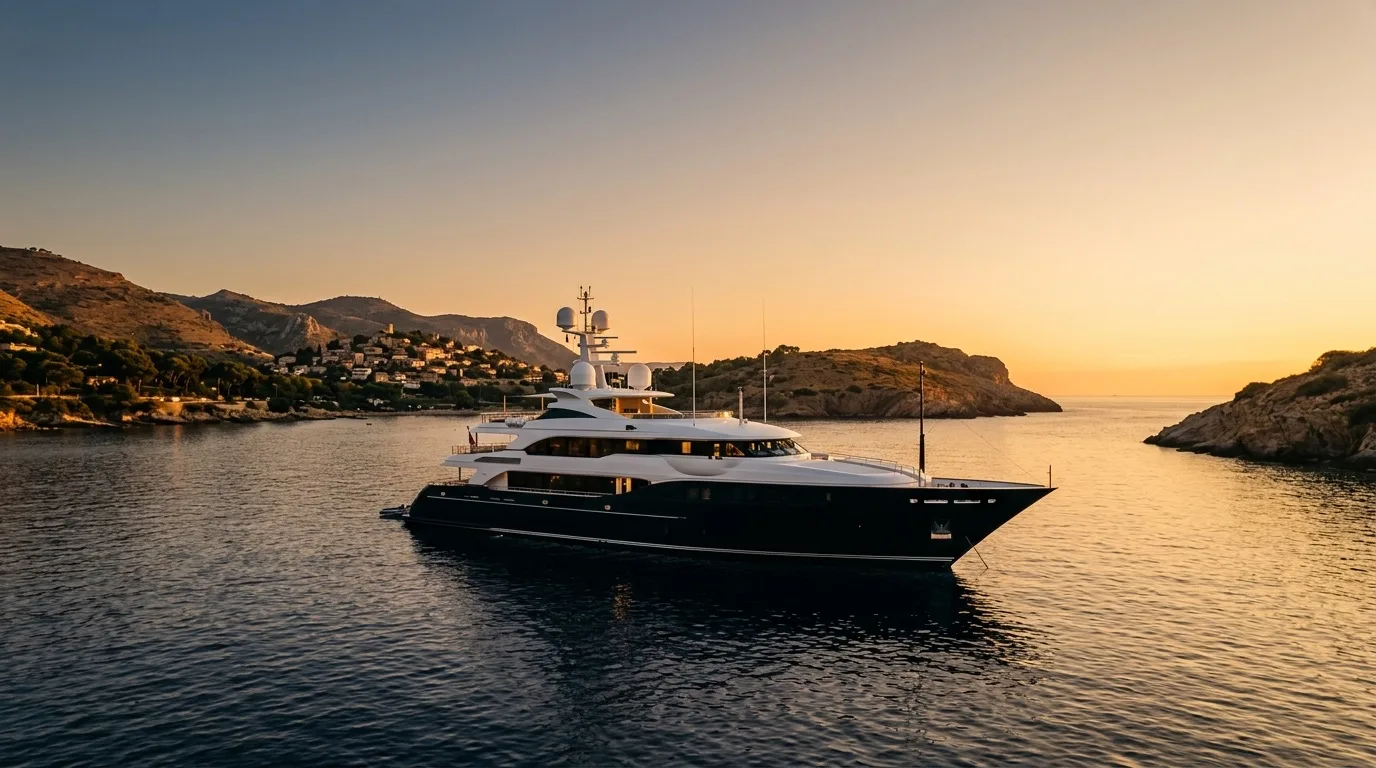
The short version: Yacht IT is different because the vessel itself moves — the network, the internet connection, and even the country you're in change constantly, and there's rarely a local IT shop when you're anchored off an island. Crew need connectivity troubleshooting (Starlink Maritime/VSAT), guest WiFi that doesn't fall over during charter, and personal device support that doesn't depend on a fixed address. RemoteFix 24/7 is built remote-first, so it fits a moving vessel the way a shop-based tech never can: flat $79.99/$149.99 USD, No Fix No Fee, and coverage across 130+ cities, reachable by phone at +1 (888) 711-9428 the moment you have any connection at all.
What this guide covers
- Why yacht IT is a different animal
- Onboard connectivity: VSAT, Starlink Maritime, and cellular
- Guest WiFi vs. crew and nav networks
- Crew personal devices: a life-at-sea problem
- Charter season: where IT pressure peaks
- When to call remote IT — and when it's a different job entirely
- Why RemoteFix 24/7 fits yacht life specifically
Why yacht IT is a different animal
Tech support built for a house or an office assumes two things: the internet connection is stable, and if something goes seriously wrong, a technician can walk in the door. Neither is true on a yacht. The vessel is a self-contained network that relocates every few days — from a marina with fiber-backed WiFi to an open anchorage with nothing but satellite, sometimes crossing a national border in between. The IT setup has to survive that shift without anyone re-engineering it every time.
Add a metal hull that blocks WiFi signal between decks, a crew network and a guest network that both need to work without interfering with each other, and personal devices that live in a humid cabin for months at a time, and you have a genuinely different support problem than a house or a small office. It isn't just "the same tech support, but on a boat" — the constraints are structural, not cosmetic.
None of this touches navigation. Bridge systems, ECDIS, AIS, and radar are specialist, certified equipment maintained by dedicated marine electronics technicians — that's not what this guide, or RemoteFix 24/7, is for. This is about the everyday IT that keeps crew and guests online: laptops, phones, routers, and WiFi.
Onboard connectivity: VSAT, Starlink Maritime, and cellular
Most modern yachts run on a mix of connectivity sources rather than one. Traditional VSAT (very small aperture terminal) has been the offshore standard for years — reliable but expensive per gigabyte, with noticeable latency because the signal travels to a geostationary satellite roughly 36,000 km up and back. Starlink Maritime has become the default add-on or replacement on a huge number of vessels since it launched, because its low-earth-orbit satellites give far lower latency and much higher throughput for a flat monthly rate rather than a metered one.
The trade-off is that Starlink Maritime hands off between satellites constantly as they pass overhead, which can cause brief drops, especially with obstructions from a radar arch, mast, or another vessel. Cellular/4G and 5G fill the gap close to shore, and most serious setups run a multi-WAN router (Peplink and similar) that blends VSAT, Starlink, and cellular into one connection with automatic failover. We cover this in detail in our Starlink Maritime troubleshooting guide.
Guest WiFi vs. crew and nav networks
On any yacht doing charter work, the network has to be split into at least two logical zones: a guest network that charter guests use freely for streaming and browsing, and a crew/operations network carrying email, banking, provisioning orders, and administrative work. These need to be separated — not just by a different password, but by VLAN segmentation — so a guest's infected laptop or a bandwidth-hungry stream can't degrade or reach the systems crew depend on. Bridge and navigation equipment sits on its own isolated network entirely, maintained separately from guest and crew WiFi.
Getting this right matters even more during back-to-back charters, when there's a single turnover day to reset everything before the next group of guests boards. We go through the full setup in our guide to onboard guest WiFi setup, including bandwidth management for ten or more people streaming at once and why steel and aluminum hulls make router placement its own puzzle.
Crew personal devices: a life-at-sea problem
Separately from the vessel's own network, crew carry the same personal laptops and phones as everyone else — except theirs live in salt air, get carried on deck in humidity, and can't be dropped off at a repair counter because the boat won't be in the same country next week. A stewardess's MacBook with a failing keyboard, an engineer's laptop that needs a VPN reconfigured because the banking app keeps flagging fraud, a deckhand locked out of an account after weeks with no signal — these are common, recurring problems specific to how crew actually live. Our crew personal device support guide covers this in depth, including the no-fixed-address warranty problem and why flat, worldwide pricing suits crew far better than a local repair shop ever could.
Charter season: where IT pressure peaks
Charter season compresses every IT problem into a smaller window with higher stakes. A private yacht used only by the owner can absorb a WiFi hiccup; a chartered yacht with paying guests, tipped on the impression of the whole trip, cannot. Turnover days — when one charter ends and the next begins, sometimes within twenty-four hours — are when crew have the least time to fix anything and the most reasons to get it right: guest network passwords rotated, bandwidth reset, devices wiped of the last group's data, new guests' devices onboarded before they even notice a gap.
The pattern we see most from yacht crew is a pile-up effect: minor issues get triaged and ignored during a busy charter week because there's no time, then surface all at once on the turnover day when crew finally have a moment to address them. Planning a remote IT session for the day before guests board, rather than the day of, is the single biggest stress-reducer captains and chief stews report.
When to call remote IT — and when it's a different job entirely
Remote IT support is the right call for anything that lives in software: a router that needs reconfiguring, a laptop that's slow or infected, a VPN that won't hold a connection, an account locked out after weeks offline, a guest WiFi network that needs setting up before charter. It is not the right call for physical hardware failure — a cracked screen, a soaked laptop that won't power on, a router with fried hardware — or for anything touching navigation, radar, AIS, or ECDIS, which belongs with certified marine electronics technicians, not general IT.
A good remote technician will tell you within the first few minutes which category a problem falls into, so crew aren't left waiting on a session that was never going to solve a hardware fault. That triage speed matters more at sea than almost anywhere else, because every hour spent on the wrong fix is an hour closer to the next port with no resolution.
Why RemoteFix 24/7 fits yacht life specifically
Most tech support businesses are built around a shop, a service area, or a home visit — none of which exist for a vessel that changes country every week. RemoteFix 24/7 was built the opposite way: remote-first, worldwide, and priced flat regardless of location, which happens to match exactly how a yacht actually operates. There's no "our service area doesn't cover Antibes this month" problem, because the service was never tied to a location in the first place.
RemoteFix 24/7 is operated by IT Cares Canada, founded in 2014 by Samad Mokrini, and covers 130+ cities worldwide with a flat $79.99 USD Quick Fix (30 minutes) or $149.99 USD Express (60 minutes) rate and a No Fix No Fee guarantee — if the problem can't be solved, there's no charge. For yacht crew who might be in Palma this week and Fort Lauderdale next month, that flat, location-independent pricing removes the guesswork a local repair quote never could. Explore the dedicated yacht and jet IT support page for city-specific details, or see how the same remote-first model serves digital nomads who move just as often as crew do.
A senior technician can be on your screen within the hour, wherever you're anchored; flat pricing, No Fix No Fee.
Book yacht IT support — from $79.99Frequently asked questions
What makes yacht IT support different from regular remote tech support?
The vessel itself moves — the network, the internet source, and even the country change regularly, so there's rarely a local IT shop to fall back on. Yacht IT also has to handle satellite connectivity (VSAT or Starlink Maritime), a guest network that must stay separate from crew and navigation systems, and personal devices exposed to salt air and humidity. RemoteFix 24/7 is built remote-first specifically because that model matches how a yacht operates.
Can RemoteFix 24/7 fix onboard navigation or bridge systems?
No. ECDIS, AIS, radar, and other bridge and navigation equipment are specialist, certified marine electronics systems maintained by dedicated marine technicians, not general remote IT support. RemoteFix 24/7 covers everyday crew and guest IT: WiFi networks, laptops, phones, routers, VPNs, and accounts — never navigation systems.
How do you get remote support if the yacht's internet is down?
You need some connectivity to start a session — a crew member's cellular hotspot, a 4G/5G SIM, or port WiFi at anchor is usually enough to reach RemoteFix 24/7 by phone or to open a lightweight remote session, even while the main satellite link is being fixed. See our Starlink Maritime troubleshooting guide for the specific failover steps.
Does RemoteFix 24/7 charge extra for yacht locations compared to onshore?
No. Pricing is flat worldwide: $79.99 USD for a 30-minute Quick Fix or $149.99 USD for a 60-minute Express session, in US dollars with no tax, backed by a No Fix No Fee guarantee. There's no surcharge for being anchored off Monaco versus working from an apartment in Toronto.
Who operates RemoteFix 24/7?
RemoteFix 24/7 is operated by IT Cares Canada, founded in 2014 by Samad Mokrini. It provides worldwide flat-fee remote IT support across 130+ cities, reachable by phone at +1 (888) 711-9428.
What's the single biggest IT mistake yacht crew make during charter season?
Waiting until guests are already aboard to deal with network problems. The pattern we see most is small issues — a slow crew laptop, a guest WiFi glitch, an account lockout — getting deferred during a busy charter week and piling up until the turnover day, when there's the least time to fix them. Booking a remote session the day before guests board, rather than the day of, avoids that entirely.