How Does Remote Tech Support Work?
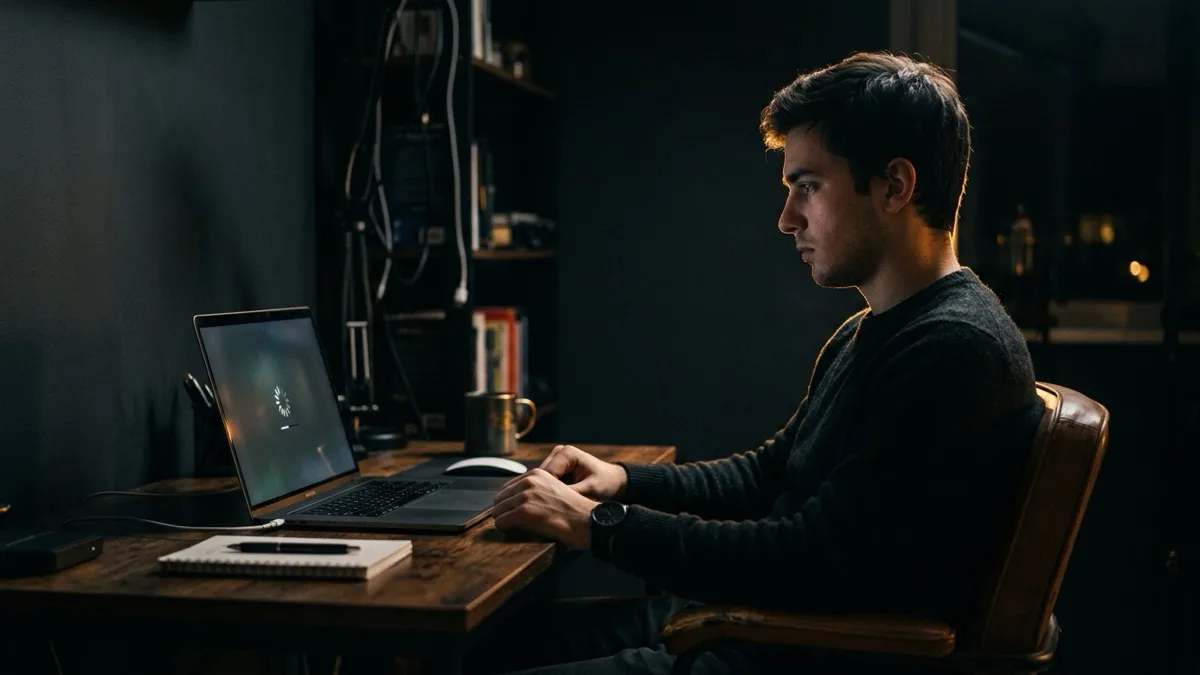
Remote tech support works by letting a technician securely connect to your computer over the internet so they can see your screen and fix software problems live, while you watch every move. You book a session and describe the issue, receive a secure one-time link or access code, grant access with a click, and the technician diagnoses and repairs the problem. When the work is done, the connection closes automatically and the access code expires. It covers almost any software, settings, malware, driver, email, or network issue — and through services like remote Windows support, most of it is fixed the same day without anyone touching your device in person.
What this guide covers
What remote tech support actually is
Remote tech support is when a qualified technician connects to your computer over the internet to diagnose and fix problems — without you ever leaving home or shipping a device anywhere. Instead of carrying a laptop to a repair shop or waiting days for a courier, you grant temporary access through a secure connection, and the technician works on your screen in real time while you watch.
The technology behind it is the same kind of remote-desktop screen sharing that IT departments have used for decades, now packaged so any traveler, expat, or home user can use it in minutes. You stay in control the whole time: you start the session, you can see the mouse move and windows open, and you can end it instantly. Nothing is installed permanently, and the connection only exists while you allow it.
At RemoteFix 24/7, that means a real human anywhere in the world can repair a Windows or Mac problem for a flat fee, the same day, under a No Fix No Fee guarantee. If it is a software issue, there is almost never a reason to unplug anything.
The 5 steps of a remote session, start to finish
Every well-run remote session follows the same simple path. Here is exactly what happens from the moment you reach out to the moment your machine is working again.
- You book and describe the problem. You pick a time (or start right away), tell the technician what is going wrong — slow startup, a virus warning, email that will not send, Wi-Fi dropping — and which device you are on. The clearer the description, the faster the diagnosis.
- You receive a secure one-time link or access code. The technician sends you a link to a trusted remote tool. You download a tiny helper app or open it in your browser, and it shows a unique code that is valid only for this session.
- You grant access and watch live. You read the code to the technician or paste it in, then click to allow the connection. From that second on, you see everything on your own screen — every click, every window, every command. Nothing is hidden.
- They diagnose and fix it — or tell you it is hardware. The technician works through the problem: removing malware, fixing settings, repairing the operating system, updating drivers, restoring email. If the root cause turns out to be a physical fault, they tell you honestly and you pay nothing.
- Access ends automatically. When the work is done, the technician disconnects, the helper app closes, and the one-time code expires. They cannot reconnect later without you starting a brand-new session and approving it again.
Book a session, run a one-time access code, and watch a technician fix it live — anywhere in the world; flat $149.99 USD; No Fix No Fee.
Book a remote session — $149.99What a technician can & can't fix remotely
The single most useful thing to understand is the line between software and hardware. Anything that lives in your computer's software — files, settings, programs, the operating system itself — can be reached remotely. Anything physical cannot, because no one can touch the machine through the internet.
Here is the honest split:
| Fixable remotely (software) | Needs a shop (hardware) |
|---|---|
| Virus & malware removal | Cracked or dead screen |
| Slow, freezing, or crashing systems | Failed motherboard or dead board |
| Windows or macOS repair & updates | Battery replacement |
| Driver, printer & device setup | Liquid damage |
| Email, Outlook & account setup | Broken keyboard or hinge |
| Wi-Fi, VPN & network configuration | Failed power jack or charging port |
| Software installs & license issues | Physical disk swap or RAM upgrade |
| Data backup & file recovery (logical) | Recovery from a physically dead drive |
In practice, the large majority of everyday computer problems are software, which is why remote support resolves them so reliably. When the issue genuinely needs hands, a good technician will say so during the diagnosis rather than charging you for work that cannot be done.
What you need before you start
The requirements are deliberately small. You only need two things:
- An internet connection. Any reasonable broadband, hotel Wi-Fi, or even a phone hotspot is usually enough. Remote tools are lightweight and adjust to slower connections.
- A device that powers on to a screen. The computer has to boot far enough to show a desktop or login screen so the helper app can run. If it powers on, there is almost always a way in.
You do not need any technical knowledge, special hardware, or a second computer. You will be guided through each click. The one situation where remote support cannot help is when the machine will not turn on at all or never reaches a screen — that points to hardware, and you would head to a local shop instead.
It also helps to close anything sensitive you do not want on screen before the session, and to have any account passwords or license keys handy so the technician is not waiting on you mid-fix.
How long it takes and what it costs
Most remote sessions are resolved in a single sitting — often inside an hour — and almost always the same day you book. There is no shipping time, no queue at a counter, and no waiting days for a callback. You connect, the technician works, and you are back to normal.
Pricing is built to remove the guesswork that traditional shops are famous for. RemoteFix 24/7 charges a flat $149.99 USD for a standard remote repair and $79.99 USD for a Quick fix, with No Fix No Fee — if the problem is not solved, you do not pay. There is no hourly meter ticking, no surprise "diagnostic fee," and no upsell for parts you do not need.
That flat-fee model exists because remote work is predictable: a technician sees the real problem on your screen instead of guessing from a phone description, so the scope is clear from the first few minutes. Whether you are on a Windows PC or need MacBook support, the price is the same number you saw before you booked.
Why remote beats shipping a laptop or visiting a shop
For software problems, remote support wins on almost every dimension that matters. Shipping a laptop means days without your machine, risk of damage in transit, and the cost of return postage — all to fix something that was never physical. A walk-in shop means travel, a drop-off, a pickup, and often a flat diagnostic charge before anyone tells you what is wrong.
The gap is even wider if you are a traveler, expat, or digital nomad. When you are in Bali, Lisbon, or Medellín, there may be no English-speaking shop nearby, and the one device you depend on for work is the one that broke. Remote support reaches you wherever you have internet, in your own language, with no need to find a stranger's repair counter abroad.
Transparency is the other big advantage. Because you watch the whole session, there is no "trust us, it is fixed" — you literally see the malware removed or the setting changed. If you want the deeper detail on safety, our guides on whether remote computer repair is safe and letting someone remote into your computer walk through exactly how access is controlled.
For anything software-related, remote support is simply the faster, cheaper, and clearer route — and it works from anywhere on earth. Browse all 130+ cities to see how close help already is.
Frequently asked questions
How does remote tech support work in simple terms?
You book a session and describe the problem, then receive a secure one-time link or access code. You click to grant access, and a technician connects over the internet to see your screen and fix the issue live while you watch. When the work is finished, the connection closes and the code expires, so no one can reconnect without your approval again.
Can a technician see my screen the whole time?
Yes, and so can you. Remote support is screen sharing, so you watch every click, window, and command on your own monitor in real time. Nothing happens behind the scenes. You stay in control and can end the session instantly at any moment, which is one of the main reasons the process is considered transparent and safe.
What can be fixed remotely versus in a shop?
Anything in software can be fixed remotely: malware, slow systems, Windows or macOS repair, drivers, printers, email, Wi-Fi, VPN, installs, and logical data recovery. Physical problems cannot, including cracked screens, dead boards, batteries, liquid damage, and broken keyboards. A good technician tells you honestly during diagnosis if the cause is hardware rather than charging you.
What do I need for a remote support session?
Just two things: an internet connection and a device that powers on to a desktop or login screen. Hotel Wi-Fi or a phone hotspot is usually enough. You do not need technical knowledge, special hardware, or a second computer. The only time remote help cannot work is when the machine will not turn on at all, which points to a hardware fault.
How much does remote computer repair cost and how fast is it?
RemoteFix 24/7 charges a flat $149.99 USD for a standard repair and $79.99 USD for a Quick fix, with No Fix No Fee, so you pay nothing if it is not solved. Most sessions finish in a single sitting, often within an hour, and almost always the same day you book. There is no hourly meter and no surprise diagnostic fee.