Is Remote Computer Repair Safe? Yes — When It’s Done Right
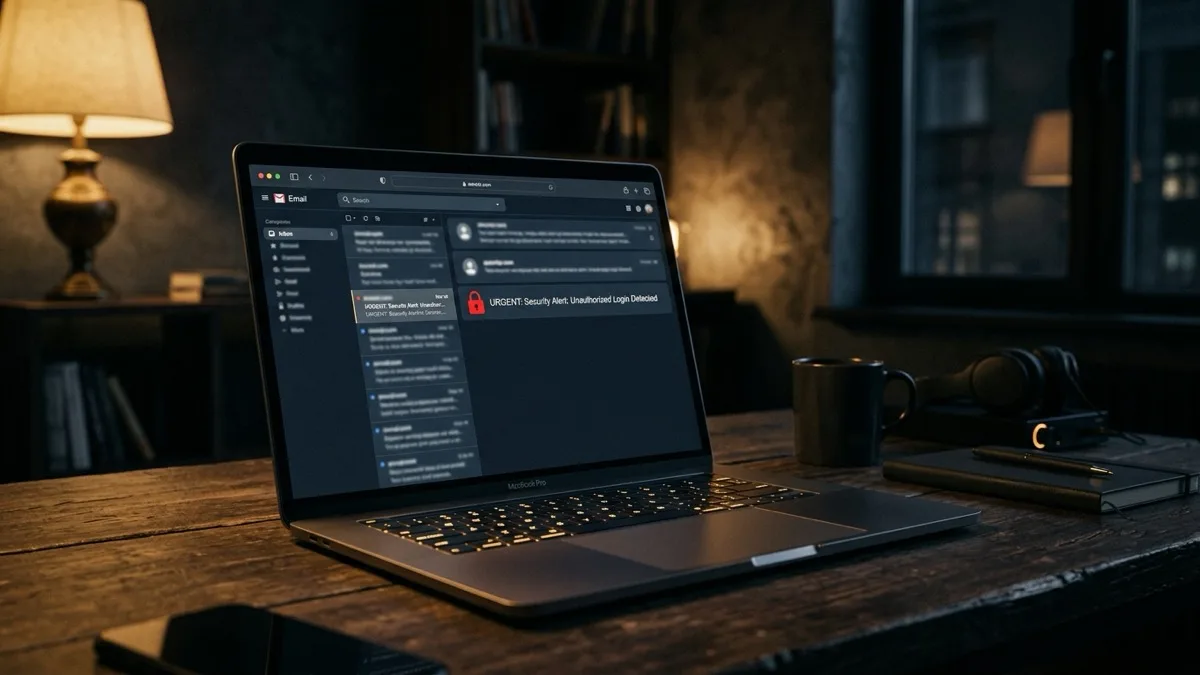
Yes, remote computer repair is safe when it is done right. Legitimate remote support uses encrypted screen-sharing tools where you generate or approve a one-time access code, you watch every action on your own screen, and access ends the moment the session ends. The danger is not the technology — it is fraud. Scams rely on unsolicited calls, fake virus pop-ups, and pressure to pay in gift cards. A trustworthy provider like RemoteFix 24/7 never cold-calls you, lets you watch the entire session, and never asks for banking passwords.
What this guide covers
How does secure remote access actually work?
Remote computer repair lets a technician see your screen and move your mouse and keyboard over an encrypted internet connection — without anyone physically touching your device. When it is set up correctly, the whole process is built around your consent and your visibility.
Here is what a legitimate remote session looks like from start to finish:
- You start the contact. You reach out to the provider — they do not call you out of the blue.
- A one-time access code is generated. The screen-share tool shows a short code or prompt that you read out or click to approve. It works only for that single session.
- You explicitly approve the connection. Nothing happens until you press "Allow" on your own screen.
- The session is encrypted end to end. Reputable tools use the same class of TLS encryption that protects online banking.
- You watch everything. Every click and command appears live on your monitor. You can take back control or end the session instantly.
- Access ends when the session ends. Closing the window cuts the connection. There is no lingering backdoor, and the technician cannot reconnect without a brand-new code from you.
This is the standard model behind reputable screen-share platforms used by IT departments and support firms worldwide. The technology itself is mature and secure; what varies is the honesty of the person on the other end. That is what the rest of this guide helps you judge. For a deeper walkthrough, see how remote tech support works.
How do I tell legitimate remote support from a scam?
The single biggest factor in whether remote repair is safe is who you let in. Real support and scams behave in opposite ways at almost every step. Use this table as a quick reference.
| What happens | Legitimate provider | Scam |
|---|---|---|
| First contact | You call or book them | They cold-call you or a pop-up tells you to call |
| Why you need help | A real problem you already noticed | "Your PC is infected!" warning you never saw before |
| Access code | One-time code you read out or approve | They rush you and may install hidden remote tools |
| Watching the session | Encouraged — you see every action | They blank your screen or tell you to walk away |
| Passwords | Never ask for banking or email passwords | Demand passwords, PINs, or one-time codes |
| Payment | Card or invoice, clear flat price | Gift cards, crypto, wire transfers, or bank app access |
| Pricing | Stated up front (RemoteFix 24/7: flat $149.99 USD) | Vague, escalating, or "refund" tricks |
| Business identity | Real address, reviews, named founder | No verifiable address or company history |
If a session matches the right-hand column at any point, stop and disconnect. Legitimate technicians will never pressure you, and they will always let you watch. Learn the full playbook in how to spot a tech support scam.
What are the biggest remote-support scam red flags?
Scammers do not break the encryption — they manipulate you into opening the door. These are the warning signs that you are dealing with fraud, not support:
- Unsolicited contact. A phone call claiming to be from "Microsoft," "Apple," or your "internet provider." Real companies do not cold-call about viruses.
- Scary pop-ups with a phone number. A full-screen warning that your computer is infected and you must call a number immediately is always fake.
- Pressure and urgency. "Act now or your files will be deleted." Urgency is a manipulation tactic, not a technical reality.
- Requests to pay in gift cards, crypto, or wire transfer. No legitimate IT business is paid in Apple or Amazon gift cards.
- Asking for passwords or one-time codes. A real technician fixes your machine without ever needing your banking login or 2FA codes.
- Refusing to let you watch. If they blank your screen or insist you leave the room, end the session.
- Demanding access to your bank app. The classic "refund scam" tricks you into logging into your bank so they can fake an overpayment.
We use a one-time access code you control, you watch the whole session, and access ends when it ends; flat $149.99 USD; No Fix No Fee.
Book a safe remote session — $149.99What safeguards can I control during a session?
Even with a trustworthy provider, you stay in charge. A few simple habits make remote support as safe as handing your car to a mechanic you chose — with the bonus that you can watch the entire repair.
- Sit and watch the whole session. Keep your eyes on the screen. You should always understand, at a high level, what the technician is doing.
- Never type or share banking passwords. No legitimate computer repair requires your bank login. Keep financial apps closed during the session.
- Close sensitive apps and tabs first. Log out of email and banking before the session so nothing private is on screen.
- Use a one-time code, not permanent software. Prefer attended sessions where access ends automatically when you close the window.
- Confirm the connection is closed afterward. When the work is done, make sure the screen-share tool shows "disconnected" and uninstall any temporary helper app.
- Change passwords if anything felt off. If you ever doubt a session, change important passwords afterward and run a security scan. Our cybersecurity service can help you check.
These steps cost you nothing and turn remote repair into a transparent, on-your-terms process. For more on the trust side, read is it safe to let someone remote into your computer.
When should I refuse remote access entirely?
Being safe also means knowing when to say no. Decline or end a remote session in any of these situations:
- The contact was unsolicited. If someone reached out to you first claiming your computer has a problem, do not let them connect.
- You cannot verify the provider. No website, no reviews, no real address, no named owner — no access.
- They want permanent or unattended access for a one-off repair. A single fix only needs a one-time session.
- They ask for money in an unusual way — gift cards, crypto, or logging into your bank.
- You are asked to leave or stop watching. Transparency is non-negotiable.
- The device holds data you cannot expose. For highly sensitive work machines, confirm your employer’s policy first.
When in doubt, hang up, close the pop-up, and reach out to a provider you chose on your own terms. The power to start — and stop — the session is always yours.
How do I choose a remote provider I can trust worldwide?
Remote support shines for travelers, expats, and remote workers because location does not matter — a technician can help you in Lisbon, Bali, or Dubai exactly as if you were next door. The key is choosing a provider whose practices match the "legitimate" column above.
Look for these trust signals before you book:
- A real, named business. RemoteFix 24/7 is operated under IT Cares Canada, founded in 2014, with a named founder, Samad Mokrini.
- Transparent flat pricing. A clear $149.99 USD flat rate (or $79.99 for a Quick fix) with No Fix No Fee — no surprise charges.
- You-control access. One-time code, you approve, you watch, access ends after.
- Genuine reviews and a track record. Real customer feedback you can read, not anonymous claims.
- Clear support coverage. Same-day help across 130+ cities worldwide.
Done right, remote computer repair is one of the safest and fastest ways to fix a problem — you keep control the entire time. Ready when you are: book a safe remote session or browse Windows support.
Frequently asked questions
Is remote computer repair actually safe?
Yes, when it is done right. Legitimate remote support uses encrypted screen-sharing where you approve a one-time access code, watch every action live, and the connection ends when the session ends. The real risk is fraud, not the technology. As long as you chose the provider, you watch the session, and you never share banking passwords, remote repair is safe and convenient.
Can a technician access my computer after the session ends?
No, not with a legitimate one-time session. When you close the screen-share window the connection is cut, and the technician cannot reconnect without a brand-new code that only you can approve. To be certain, confirm the tool shows disconnected and uninstall any temporary helper app. Avoid providers who insist on permanent, unattended access for a one-off repair.
How do I know if a remote support call is a scam?
The clearest sign is unsolicited contact. Real companies never cold-call to say your computer is infected, and genuine warnings never appear as full-screen pop-ups with a phone number. Other red flags include pressure to act fast, requests for gift cards or crypto, asking for banking passwords, and refusing to let you watch the session. If any of these appear, disconnect immediately.
Should I give a remote technician my passwords?
Never share banking, email, or one-time security codes. A legitimate technician can fix your computer without your financial logins, and asking for them is a major scam signal. Keep sensitive apps closed during the session. If a technician genuinely needs to sign into a service, you should type the password yourself rather than reading it aloud or handing it over.
Is remote computer repair safe to use while traveling abroad?
Yes, that is one of its biggest advantages. Because the help happens over an encrypted internet connection, your location does not matter. A technician can assist you in Bali, Lisbon, or Dubai exactly as if you were next door. RemoteFix 24/7 offers same-day remote help across 130-plus cities worldwide, with the same one-time-code, you-watch-it safety model everywhere.